
Call us now :08045804264
 Send Inquiry
 Send Inquiry
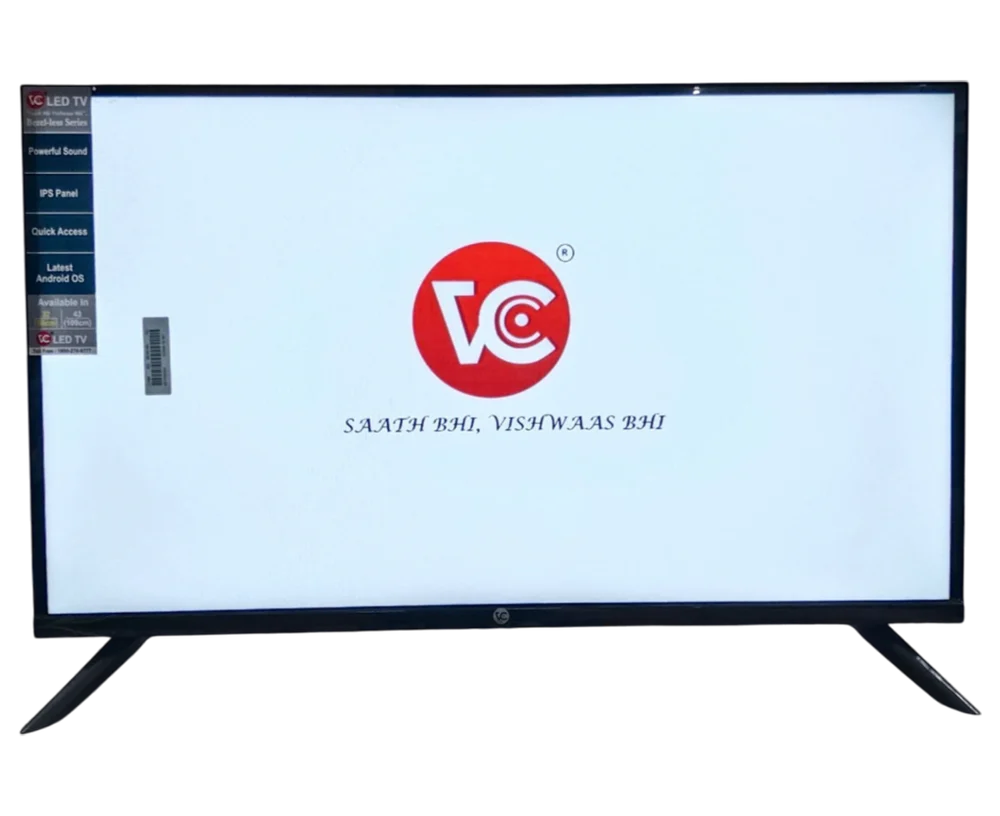
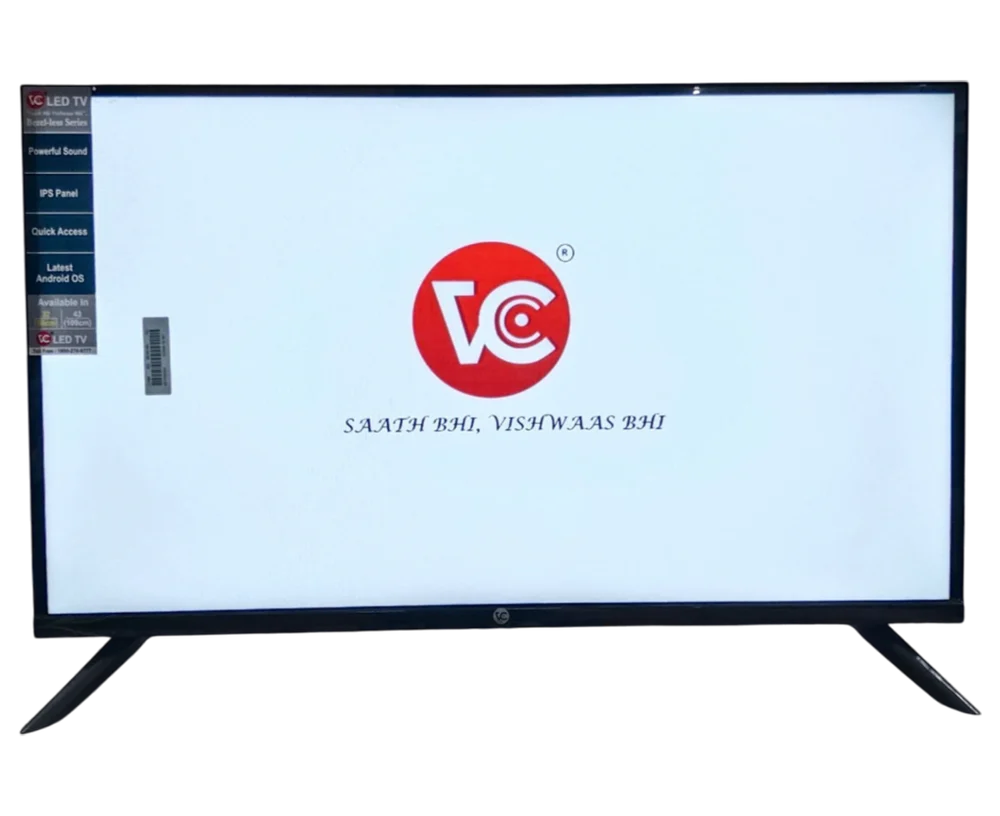
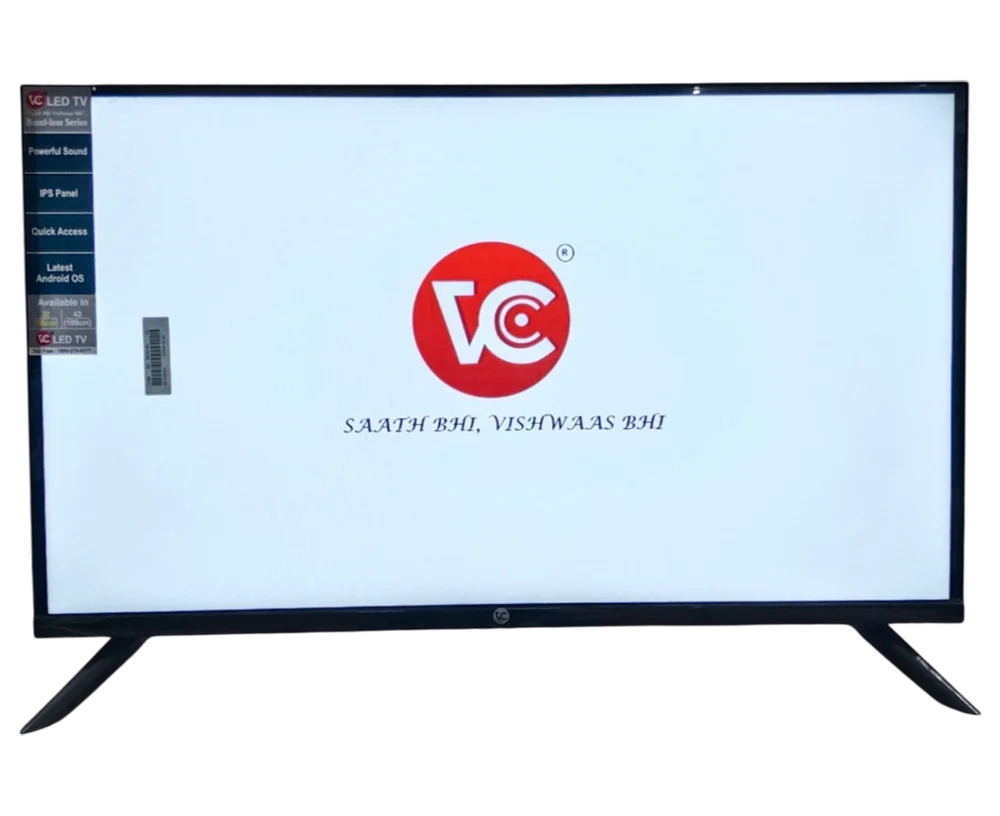
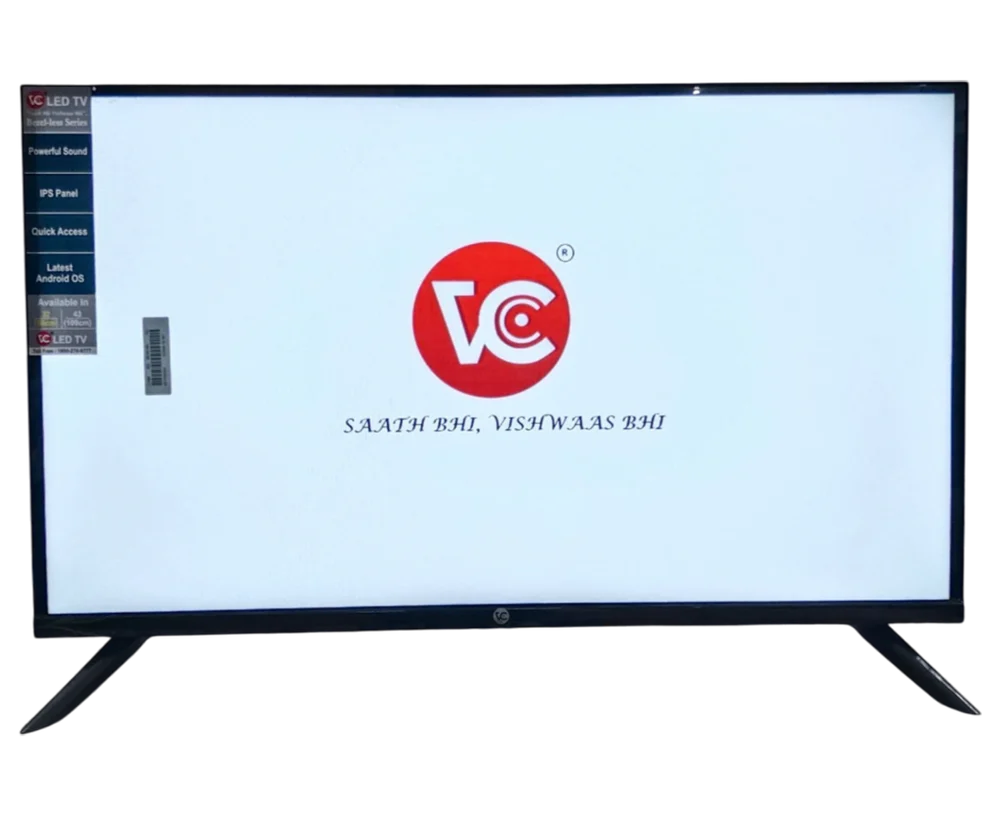
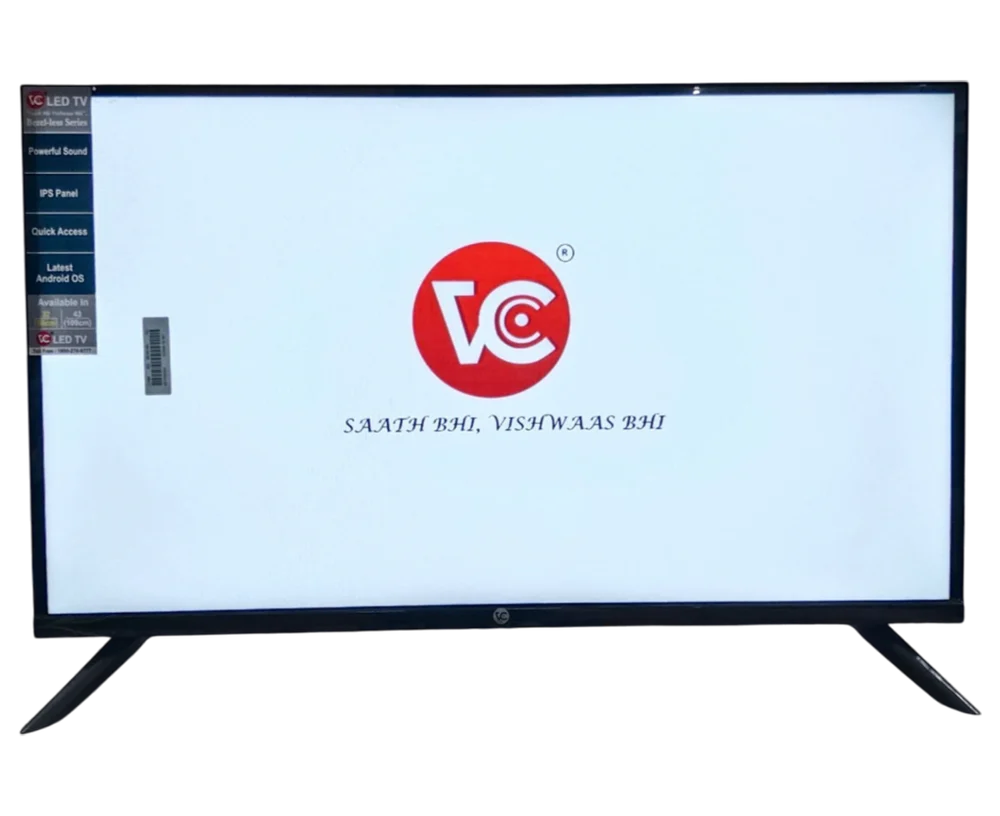
40 inch LED TV (Smart Front)
Price 5000 INR/ Piece
MOQ : 1000 Pieces
40 inch LED TV (Smart Front) Specification
- Input Power
- 220 Volt (V)
- Color
- Black
- Screen Size
- 40 Inch (in)
- Material
- ABS Plastic & Metal Frame
- Frequency (MHz)
- 50/60 Hz
- Wide Screen Support
- Yes
- Resolution
- 1920 x 1080 (Full HD)
- Contrast Ratio
- 4000:1
- Sound Level
- 20 W Stereo Output
- Voltage
- 110-240V AC
- Dimension (L*W*H)
- 904 x 186 x 565 mm
- Weight (kg)
- 7.5 kg
- Remote Control
- Yes
- HDMI
- 3 HDMI Ports
- Product Type
- LED TV
- Recording Mode
- USB Recording Supported
- LCD Display
- Yes
- Bluetooth
- Bluetooth 4.2
- Power Consumption
- 75 W (Average)
- Refresh Rate
- 60 Hz
- USB Ports
- 2 USB Ports
- Response Time
- 8 ms
- Wall Mount Compatibility
- VESA Standard
- Operating System
- Android Smart TV OS
- Display Technology
- Direct LED
- Viewing Angle
- 178 (Horizontal & Vertical)
- Supported Apps
- Netflix, YouTube, Prime Video, Hotstar
- Audio Features
- Dolby Digital, DTS Supported
- Ethernet
- RJ-45 LAN Port
- Wi-Fi Connectivity
- Built-in Wi-Fi
- Speaker Type
- Built-in Speakers
- Screen Mirroring
- Supported
40 inch LED TV (Smart Front) Trade Information
- Minimum Order Quantity
- 1000 Pieces
- Supply Ability
- 100 Pieces Per Week
- Delivery Time
- 1 Week
About 40 inch LED TV (Smart Front)
Heres a description of a 40-inch LED Smart TV:
Key Features:
- Screen Size: 40 inches, perfect for small to medium-sized rooms
- Display Type: LED, offering good picture quality and energy efficiency
- Resolution: Typically Full HD (1920x1080) or HD (1366x768), providing clear and vibrant visuals
- Smart TV Capabilities: Built-in Wi-Fi and streaming apps, such as Netflix, YouTube, and Amazon Prime Video
- Connectivity Options: Multiple HDMI ports, USB ports, and AV inputs for connecting external devices
- Voice Control: May support voice control through remote or smart speaker integration
Ideal For:
- Small to medium-sized rooms
- Streaming favorite shows and movies
- Casual gaming
- Browsing the internet and accessing social media
Additional Features:
- Built-in Wi-Fi: Easy internet connectivity
- App Support: Access to popular streaming services and apps
- Multiple Audio Options: May include built-in speakers or support for external sound systems
If you have any specific questions or need further details, feel free to ask!
Smart Connectivity for Seamless Streaming
Integrated Wi-Fi and Bluetooth 4.2 allow wireless connection to a variety of devices, while the Android TV OS provides intuitive access to streaming apps including Netflix, YouTube, Prime Video, and Hotstar. Enjoy effortless screen mirroring and USB recording features, enhancing both usability and versatility.
Exceptional Visual and Audio Experience
Experience vibrant visuals with full HD resolution, a 4000:1 contrast ratio, and direct LED technology. Coupled with Dolby Digital and DTS audio, the built-in stereo speakers offer crisp and immersive sound clarity. The wide viewing angle ensures consistent picture quality from any spot in your room.
User-Friendly Design and Efficient Performance
The TV features a sturdy ABS plastic and metal frame, supports VESA wall mounting for flexible installation, and operates on a power-efficient system. With 3 HDMI and 2 USB ports, you can easily connect gaming consoles, laptops, or storage devices for enhanced entertainment options.
FAQs of 40 inch LED TV (Smart Front):
Q: How do I set up the 40-inch LED Smart TV for the first time?
A: To set up, attach the TV to a power outlet (110240V AC), mount it on a wall using VESA-standard brackets, and connect it to your Wi-Fi network. Use the included IR remote to complete the guided Android TV OS setup and link streaming apps with your account credentials.Q: What apps are supported by this Android Smart TV and how can I install them?
A: Pre-installed apps include Netflix, YouTube, Prime Video, and Hotstar. Additional apps can be downloaded from the Google Play Store using your TVs Wi-Fi connectivity for a wider entertainment selection.Q: When should I use screen mirroring and how does it work with this TV?
A: Screen mirroring is useful for displaying content from your smartphone, tablet, or laptop directly onto the TV. Activate screen mirroring in your devices settings, select the TV from the available devices, and follow on-screen prompts to connect wirelessly.Q: Where can I plug in external devices like gaming consoles or USB drives?
A: You can connect gaming consoles and media players to the TV using any of the three HDMI ports. For USB drives, use one of the two available USB ports located on the TVs side panel for media playback or USB recording.Q: What is the process for enabling Dolby Digital or DTS sound features?
A: Once your TV is powered on, audio features such as Dolby Digital and DTS are enabled by default. You can further adjust sound settings through the TVs audio menu for optimal clarity based on your preferences and content type.Q: How does the wide viewing angle benefit my TV watching experience?
A: With a 178 horizontal and vertical viewing angle, you enjoy consistent picture quality and color accuracy from almost any position in your room, making the TV ideal for group viewing and different room layouts.Q: What is the advantage of USB recording mode on this TV?
A: The USB recording feature allows you to record live TV broadcasts directly onto a connected USB drive, enabling you to watch your favorite shows at your convenience.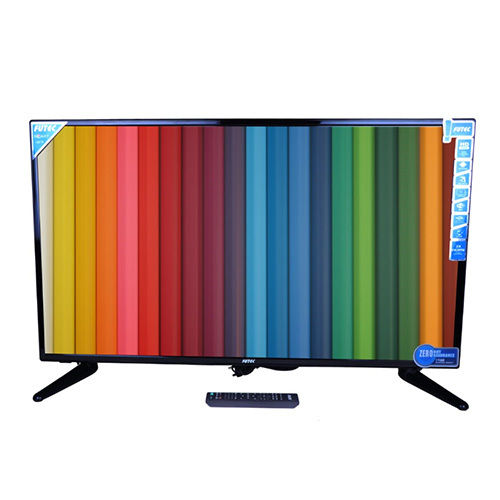
Tell us about your requirement

Price:
Quantity
Select Unit
- 50
- 100
- 200
- 250
- 500
- 1000+
Additional detail
Mobile number
Email

More Products in LED TV Category
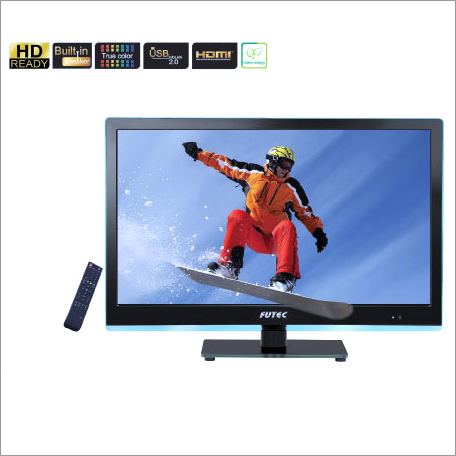
24 Inch LED TV
Price 5000 INR / Piece
Minimum Order Quantity : 1000 Pieces
Input Power : 220 Volt (V)
Color : Black
Product Type : TV
Wide Screen Support : Yes
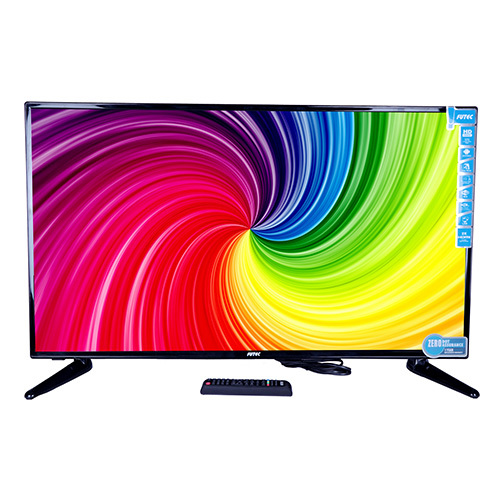
40 inch Normal LED TV
Price 5000 INR / Piece
Minimum Order Quantity : 1000 Pieces
Input Power : 220 Volt (V)
Color : Black
Product Type : LED
Wide Screen Support : Yes
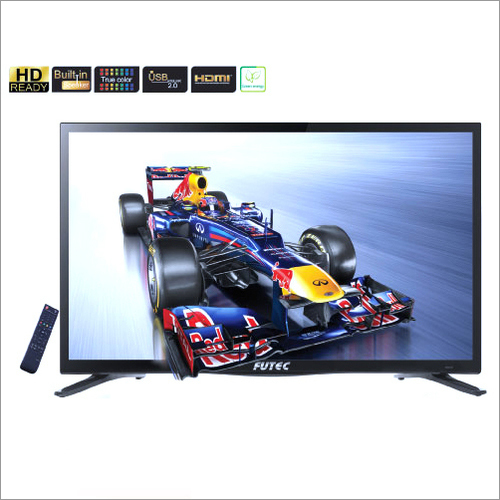
39 Inch LED TV
Price 5000 INR / Piece
Minimum Order Quantity : 1000 Pieces
Input Power : 220 Volt (V)
Color : Black
Product Type : TV
Wide Screen Support : Yes
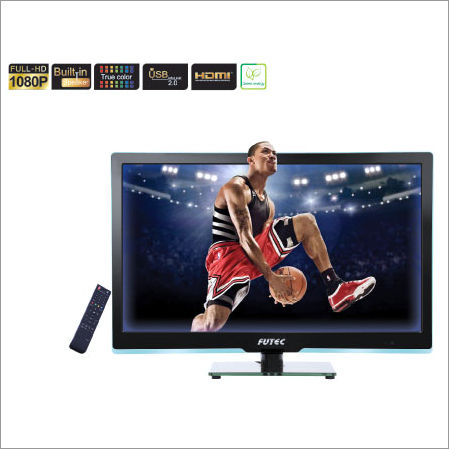
22 Inch LED TV
Price 5000 INR / Piece
Minimum Order Quantity : 1000 Pieces
Input Power : 220 Volt (V)
Color : Black
Product Type : TV
Wide Screen Support : Yes

We are accepting only bulk quantity orders.
 Send Inquiry


Head Office : Block-I, Office No 6,7 & 8, Sector 9Noida - 201301, Uttar Pradesh, India

Mr. H S Malhotra
(Director)
Mobile :08045804264
 Send Inquiry
 Send SMS
Developed and Managed by Infocom Network Private Limited.
